
Did that job actually pay?
Some of your stops are underpaying you. You just can't see which ones
Know exactly which jobs to raise and which ones are keepers.
Free while in early access — no card required
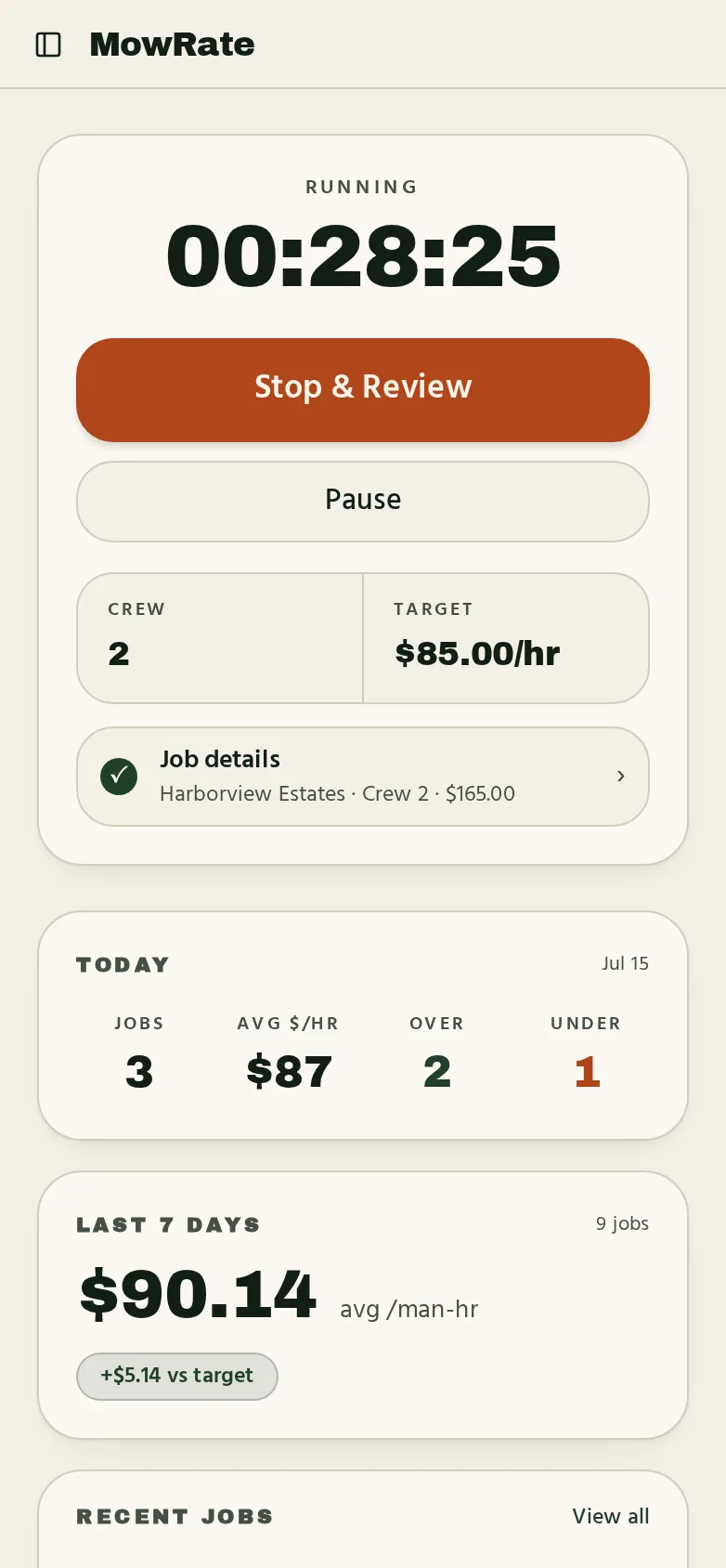
Know if the job made sense as soon as it's done.
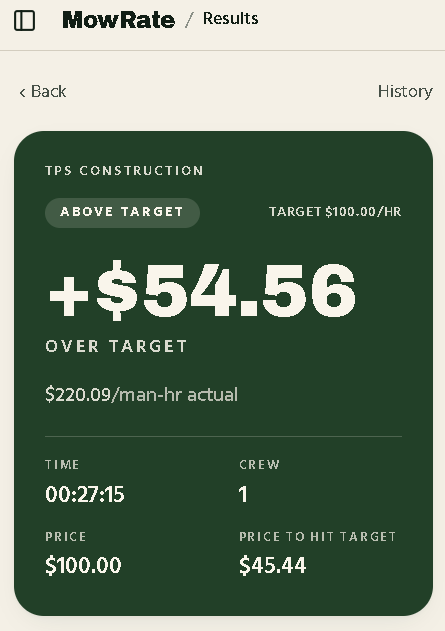
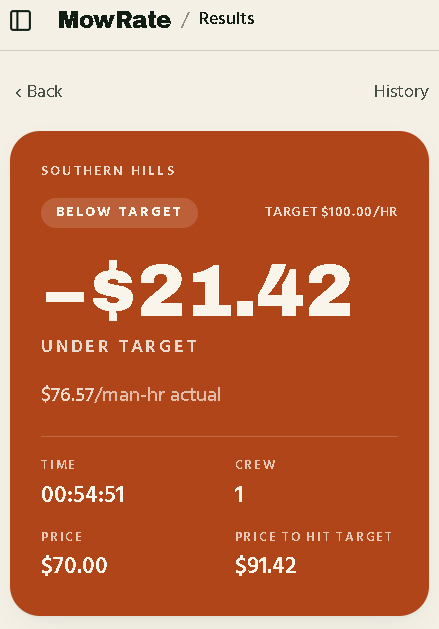
Stop the timer, enter what you charged and crew size, and see your actual $/man-hour against your target — over, under, or on target.
How it works
Three taps between pulling up and knowing the number.
- 1
Start the timer
Tap start at the property. Tap stop when you're loaded back up.
- 2
Enter price and crew
What you charged and how many worked it.
- 3
See the result right away
Check whether the job came in over, under, or on target.
Simple pricing
Nothing to pay while MowRate is in early access. One account, every device.
- Free while in early access — no card required
- One-tap job timer, crew-aware
- Over / under / on target verdict per job
- “Price to hit target” recommendation on every job
- Today + this week dashboard — avg $/hr and over-target count
- Filter history by Beating, Needs raised, Needs details
- 500-job history, synced across your devices
No card required. Nothing to pay right now.
Common questions
Is this for quoting customers?+
No. MowRate is operator-only. The base price is a floor to help you hit your target rate — never a customer-facing quote.
Do I need a crew?+
No. Set crew size to 1 for solo. Change it per job when you bring help — man-hours and $/man-hour adjust automatically.
Do I need a card?+
No. Create an account with an email and password and start timing jobs — there is nothing to pay right now.
What's not in it?+
Nothing. That's the point. No CRM to set up, no schedule to maintain, no invoices to configure. If you want an office suite, get Jobber. If you want to know whether the stop paid, this is it.
Does it cost anything?+
No. MowRate is free while in early access — no card required. Paid plans may come later, and we'll tell you before anything changes.
Where is my job history stored?+
In your account, synced across every device you sign in on. We keep your 500 most recent jobs; older jobs beyond that are removed automatically.
Start timing what a job was worth.
Free while in early access — no card required